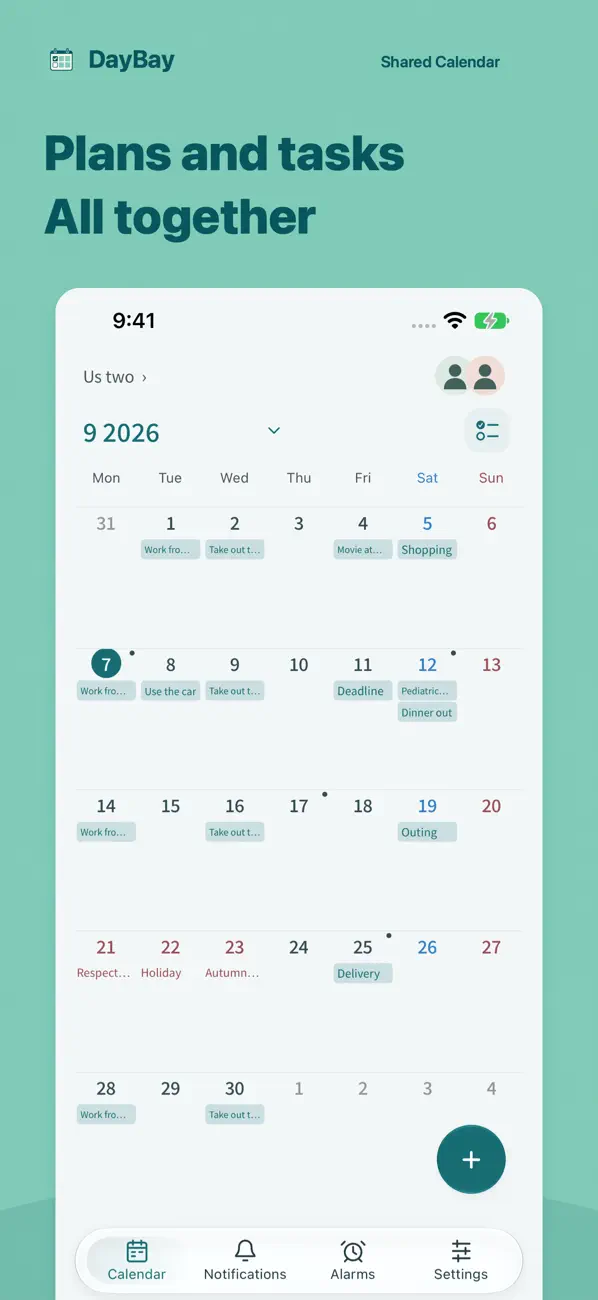
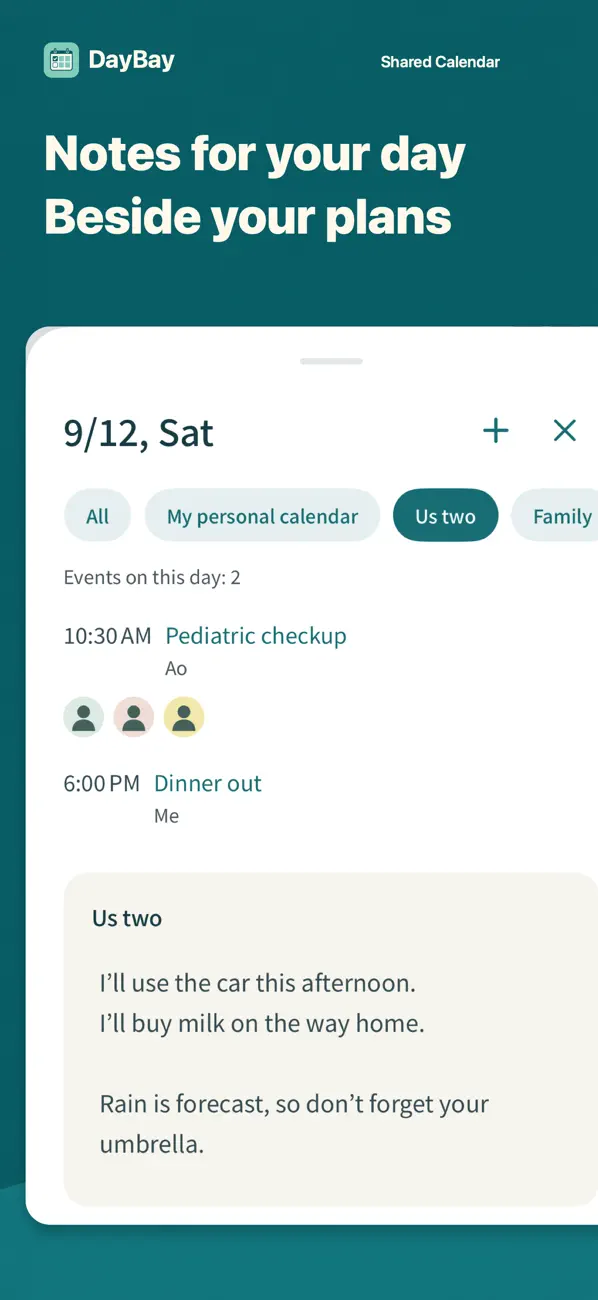
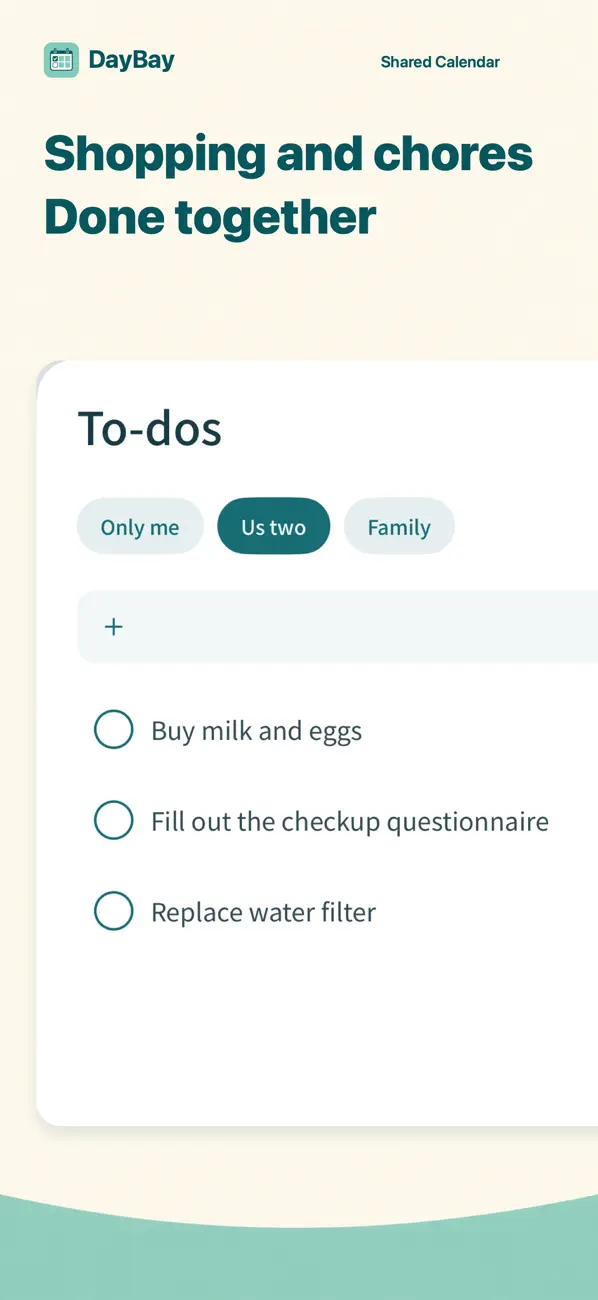
DayBay is a shared calendar for iPhone and iPad. With your family or partner, use events for plans with a date and time, daily notes for information about a particular day, and to-dos for tasks you want to mark complete.
The monthly calendar. The content shown is an example.
What goes where in everyday life?
Here are a few examples to help you decide how to organize information with your family or partner.
A weekday pickup
Event
A pickup at 6:00 p.m., or another plan with a set time.
Note
Who is picking up and what they need to bring that day.
To-do
Prepare a form or buy milk on the way home.
Shopping as a couple
Event
A shopping trip at 10:00 a.m. on Saturday.
Note
The meal you plan to cook that day or the stores to visit.
To-do
Rice, detergent and other items to check off as you buy them.
A family visit
Event
Your arrival date and time, and when to meet your family.
Note
The day’s meeting place or messages to share.
To-do
Prepare a gift or the things you need to pack.
To-dos are a task list for each calendar. Use a daily note for information you want to keep with a particular date.
Planning a call across time zones
For a long-distance couple, “Saturday at eight” can mean two different moments. Agree on a full date, a time and a city for each person before putting the call in your shared calendar.
Confirm both local dates. A call on one person’s Saturday evening may fall on the other person’s Sunday morning. Include the year and city, rather than a time-zone abbreviation alone.
Check the calendar’s display time zone. DayBay can follow your device’s time zone or display a region you select. Save the call as a timed event, then check its date and time on each person’s device before treating it as confirmed.
Recheck when the date changes. Daylight-saving changes can alter the difference between your cities. Update the same event and confirm the new local date and time with your partner.
One call, two local dates — a fictional example
New York
Tokyo
These are the same moment for these dates. Check the offset for the date you actually plan to call; do not reuse a fixed hour difference throughout the year.
A confirmation you can copy: “Our call is November 7 at 8:00 p.m. in New York, which is November 8 at 10:00 a.m. in Tokyo. Do both calendars show that?”
Use a timed event for the call. An all-day event or a daily note keeps a calendar date, so it is not a substitute for confirming both local call times. You choose and confirm the time together.
Separate information about a day from tasks to finish
Daily notes
Keep information tied to a date in that day’s note. You can see it alongside the monthly calendar, keeping meeting places and messages separate from the time of an event.
A note keeps information with a particular date.
Shared to-dos and completion history
Use to-dos for shopping and preparations you want to mark complete. Check off finished tasks and review their completion history, separately from scheduled events.
iPhone and iPad, with iOS 18.0 or iPadOS 18.0 or later. Check each person’s device before sharing.
Languages and price
Japanese, English and Spanish are supported. The app is free to download. Check DayBay on the App Store for current availability.
External calendars
With your permission, you can select events to copy once from Google Calendar, Outlook or the Apple calendar on your device. DayBay does not keep them in sync or write changes back to the original calendar. Read about calendar imports.
 DayBay