Personal and shared calendars
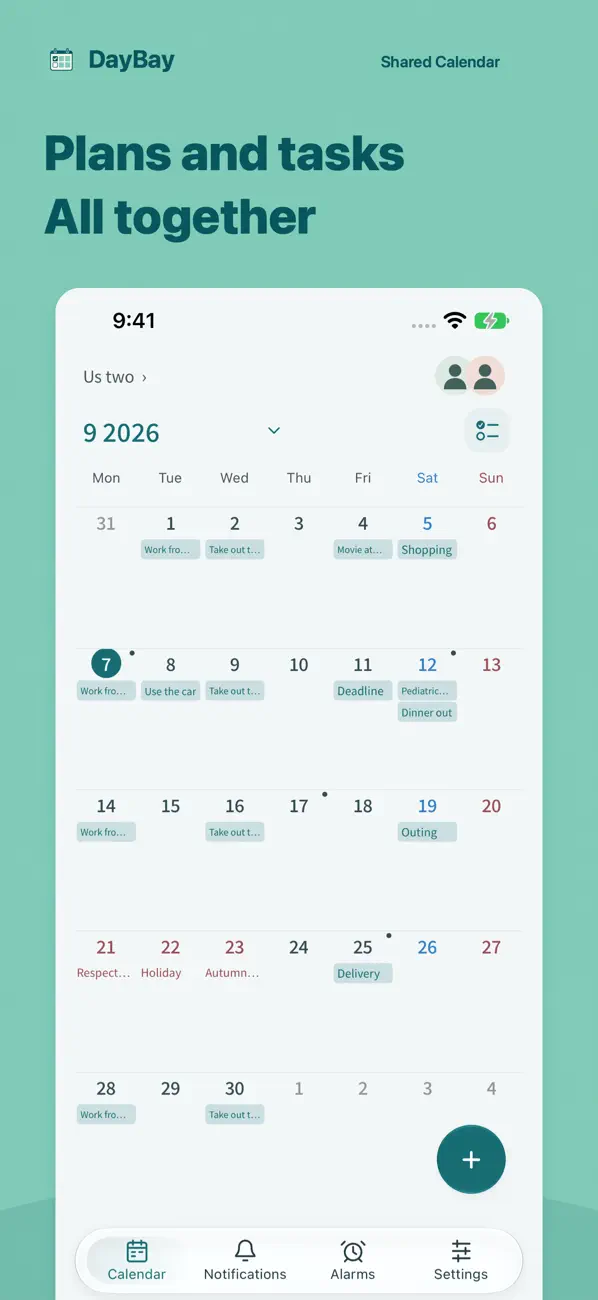
Manage personal and shared events in separate calendars. You can also create recurring events.

DayBay: Shared Calendar
DayBay is a calendar app for iPhone and iPad that lets couples and families share events, daily notes and to-dos. Keep personal and shared calendars separate, with everyday plans and tasks in one app.
Download free on the App StoreRequires iOS 18.0 or later or iPadOS 18.0 or later. Available in Japanese, English and Spanish.
A second interactive demo
Choose Bulk or Event, set dates and a highlight color, then save to the sample calendar.
Manage personal and shared events in separate calendars. You can also create recurring events.
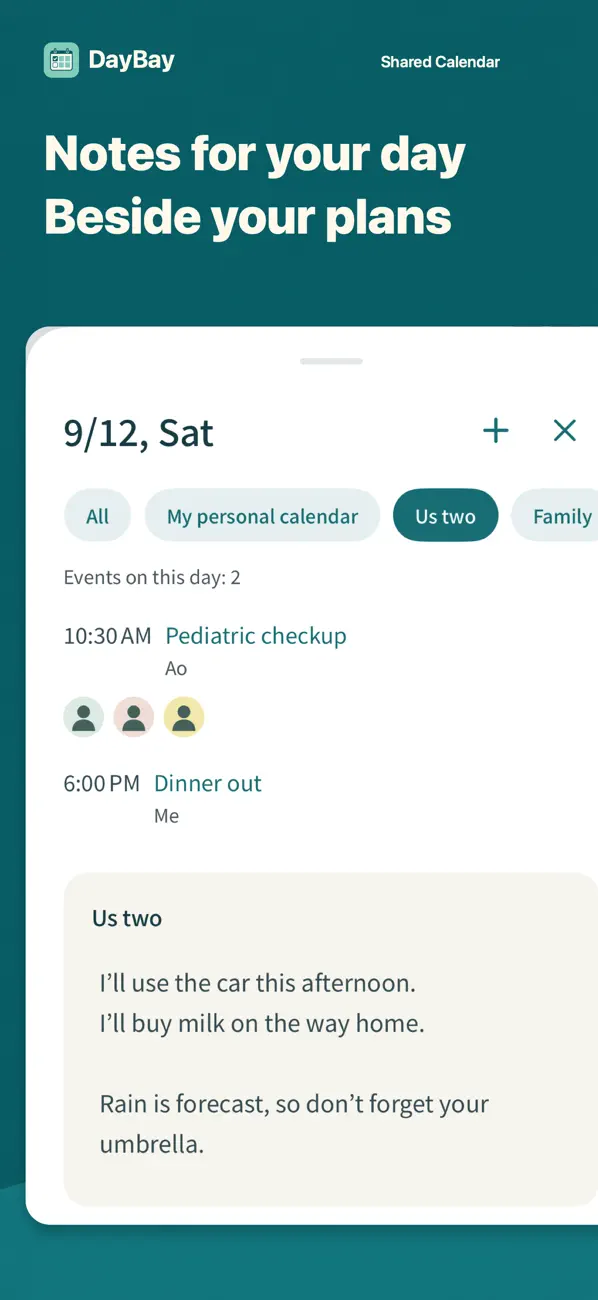
Check a day’s notes alongside the monthly calendar. Keep useful information with the date it belongs to.
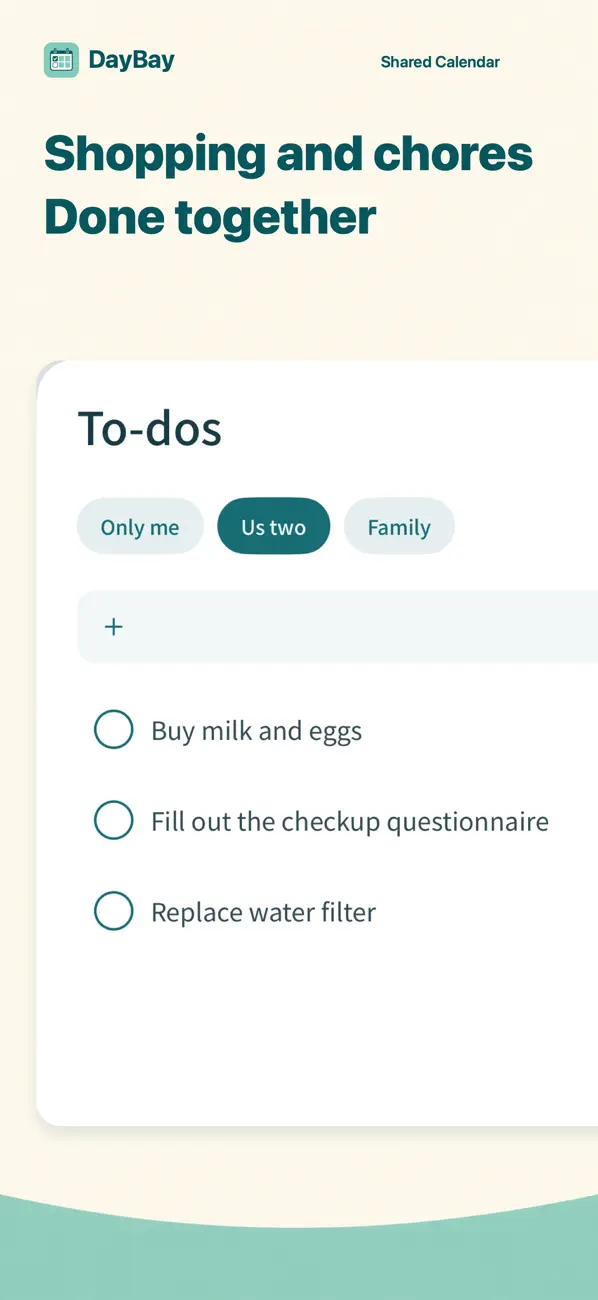
Share shopping lists, things to pack and other tasks that do not need a calendar event. You can also check completed tasks.
These screenshots are published on the App Store. Their events, to-dos and notes are examples.
Read the sign-in, invitation and joining guide
See how to share family plans, daily notes and to-dos
Planning a call across time zones? Compare both local dates.
For current compatibility and availability, check DayBay on the App Store.
With your permission, you can select events from Google Calendar, Outlook or the Apple calendar on your device and copy them into DayBay once. This does not keep them in sync or write changes back to the original calendar.
Yes. Manage personal and shared calendars separately. Information in a shared calendar is visible to its members.
Each person signs in with Apple or Google and joins the same shared calendar.
Install DayBay and sign in, then open the original invitation link again. If the link cannot be used, ask the person who invited you for a new one.
Our support page includes contact details and information about deleting an account.